Runway MCP: Complete Guide for Claude, ChatGPT, Cursor
Runway MCP turns Claude, ChatGPT, and Cursor into a direct media generation surface for image and video work. This guide covers setup, transport constraints, model behavior, billing, reliability, and the workflow patterns that actually hold up in production.
On this page · 16 sections▾
One-sentence definition
Runway MCP is an OAuth-connected remote MCP server (https://mcp.runwayml.com/mcp) that lets AI clients generate Runway images and videos directly in chat workflows using your Runway account credits.
Launch signal
You asked to place the X post at the top, so this is the launch post reference directly from Runway:
The linked launch content aligns with Runway’s official product pages: generating images and videos from MCP-compatible clients without leaving your agent workflow.
Why it matters
Most teams already write campaign copy, scripts, and product briefs inside LLM chats. The bottleneck has been context switching: draft in one tool, then jump to a media platform, then return to chat with links and revisions. Runway MCP collapses that loop.
This is not just convenience. It changes iteration speed and prompt discipline. Instead of one-shot creative prompts, teams can run prompt refinement, shot variation, and delivery-format checks in one conversation thread that also contains product context and target audience notes.
Mental model: what is happening
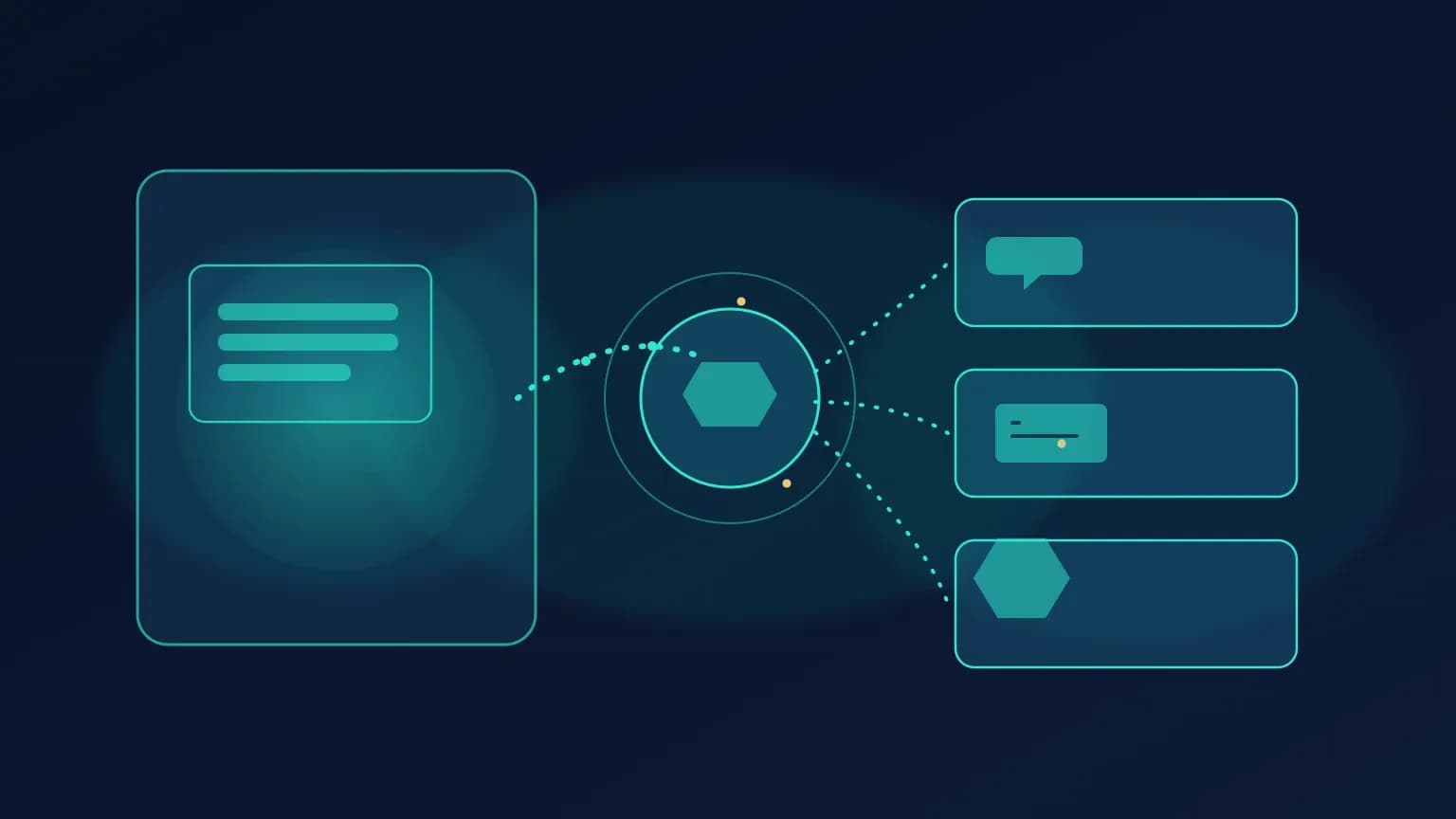
Think in three layers:
- Client layer: Claude, ChatGPT, Cursor, or another MCP-capable host.
- Runway MCP layer: Runway’s remote MCP endpoint over Streamable HTTP.
- Generation layer: Runway models and task execution that produce media into your Runway library.
Agent client (Claude/ChatGPT/Cursor)
            |
            | MCP tool call over Streamable HTTP
            v
      mcp.runwayml.com/mcp
            |
            | OAuth-backed Runway account context
            v
 Runway generation pipeline + model execution
            |
            v
  Outputs in chat + assets in Runway library
One-line install options (per client)
Yes, this is possible and useful in the middle of the post. Here is a real clickable install block so readers can jump to their client and copy a working config line quickly.
One-line install · Runway
Open server pageInstall
After adding the endpoint, complete OAuth with your Runway account in the client UI. That sign-in step is what links usage and billing to your existing Runway plan.
Smallest end-to-end setup
The official connection flow is intentionally short:
- Add a custom MCP connector named Runway with URL
https://mcp.runwayml.com/mcp. - Connect and sign in with your Runway account.
- Prompt your agent with a concrete generation task (for example: product hero video from a URL and a short creative brief).
For Cursor, Runway’s help guide also includes adding the server in Tools & MCPs and completing OAuth from inside Cursor.
Deep dive
1) Transport and protocol constraints
Runway’s help docs explicitly state the connector endpoint supports Streamable HTTP, not stdio or SSE for this setup path. This matters operationally because many teams copy old MCP examples that default to SSE; here that can lead to immediate 405 failures.
Takeaway: lock transport expectations in onboarding docs and CI checks for config templates. Avoid “it works on one client” drift.
2) Model surface and plan-based availability
Runway markets access to models such as Gen-4.5, Seedance 2.0, GPT Image 2, Kling, Veo, and Nano Banana Pro through MCP, with exact availability tied to account plan. In practice, this means your prompt strategy should include graceful model fallback rather than hardcoding a single model assumption for every task.
Takeaway: write prompts with required outcome constraints first (duration, tone, shot style), then optional model preference.
3) Billing and output persistence
Runway says MCP generations use the same credit system as the main app, and results land in your Runway library. This is a key governance advantage for teams: media created via agent workflows still appears in central account history, not in isolated local artifacts.
Takeaway: cost tracking and creative audit trails stay in one platform, but you should still label prompt campaigns in the chat thread for clearer attribution.
4) Prompt design for media agents
Text prompts that work for copywriting often fail for media generation because they skip production details. For Runway MCP workflows, include: subject, scene, motion style, camera language, duration target, aspect ratio, brand tone, and banned elements.
Takeaway: treat each prompt like a mini shot brief, not just a marketing sentence.
5) Reliability and status awareness
Runway publishes a status page, and incident behavior can be model specific. Teams should avoid hard failing all creative workflows when one model path degrades. Add fallback branches in prompts and runbooks: retry with alternate model profile, reduced duration, or image-first generation then video transform.
Takeaway: availability strategy should be model-aware, not binary.
What teams get wrong
1) They assume every Runway-branded MCP endpoint is the same product. There are multiple unrelated Runway products/domains in the MCP space. Always verify you are using the RunwayML endpoint and docs.
2) They treat video tasks as synchronous. Production workflows need task-state handling and retries, not one blocking call assumption.
3) They skip policy language in prompts. If you do not state exclusions (style, motion, brand constraints), the agent may optimize for visual novelty over campaign fit.
Wrong vs right patterns
Wrong: “make a cool ad” without production specs
Vague prompts create inconsistent outputs and expensive re-generation loops.
Right: constraint-first prompt template
Specify objective, audience, duration, scene, camera style, tone, and forbidden elements up front.
Wrong: hardcoding one model for all tasks
Model availability and pricing differ by plan and incident state; one-size defaults break under load.
Right: model preference + fallback strategy
Ask for preferred model first, then define fallback behavior if unavailable or slow.
Common mistakes
- Using transport settings from generic MCP snippets and missing Runway’s Streamable HTTP requirement.
- Forgetting to complete OAuth after adding endpoint, then diagnosing it as a tool or prompt failure.
- Underestimating generation latency and not designing async UX.
- Not aligning model choice with budget and throughput constraints.
- Mixing docs from unrelated Runway products with different auth and endpoint assumptions.
Performance and scaling notes
For media generation MCP servers, latency variance is normal. Successful teams optimize around throughput and predictability, not one-request speed. Practical tactics:
- Batch prompt variants intentionally rather than ad hoc retries.
- Use shorter-duration previews before full renders.
- Separate ideation from final-export prompts to control costs.
- Track client-side timeout policies per MCP host.
Who this is for
Best fit
- Teams producing ad/video/image assets from chat-first workflows.
- Agencies and product marketing orgs already using Runway plans.
- Builders who want one workflow across Claude, ChatGPT, and Cursor.
Not ideal if
- You need fully offline/local-only media generation paths.
- You cannot tolerate variable async generation times.
- You need deterministic pixel-identical outputs per run.
Verdict
Our take
Runway MCP is one of the most practical media-generation MCP integrations today if your team already lives in agent workflows. It wins on setup speed and cross-client reach. The tradeoff is operational: you need strong async prompt/runbook discipline to avoid latency and cost churn in real campaigns.
Frequently asked questions
Does Runway MCP require a separate API key?
For the official Runway MCP connector flow, no. You add the MCP URL and sign in with your Runway account. Usage is tied to your Runway plan and credits.
Which transport does Runway MCP support?
Runway's official MCP docs specify Streamable HTTP. They also note SSE and stdio are not supported for this endpoint, and SSE attempts can return 405.
Can I use Runway MCP in Cursor and ChatGPT?
Yes. Runway's docs and help pages list Claude, ChatGPT, Cursor, Replit, and other MCP-compatible clients as supported connection targets.
How is billing handled for Runway MCP generations?
Runway MCP uses the same Runway credits model as the main app. Cost depends on model and output settings, and outputs land in your Runway library.
What is the biggest operational mistake teams make?
Treating media generation as synchronous, low-latency tooling. Video tasks are often asynchronous and variable-duration. Teams need polling/retry UX and clearer tool-result handling in agent prompts.
Is Runway MCP the same as every 'runway' MCP server online?
No. There are multiple unrelated products named Runway in the MCP ecosystem. Always verify domain, auth flow, and docs to avoid connecting the wrong service.
Glossary
Runway MCP
RunwayML's remote MCP endpoint for media generation workflows.
Streamable HTTP
Modern MCP HTTP transport for remote servers.
OAuth connector flow
Account sign-in path used instead of direct API-key config.
Model fallback
Alternate generation model strategy when preferred path degrades.
Generation credits
Runway billing units consumed by model/output settings.
Asset library
Runway storage location where generated outputs are retained.
All sources
Primary sources
- Runway MCP landing page
- Runway News: Introducing Runway MCP
- Runway Help: Connecting to Runway MCP
- Runway launch post on X
Operational context
Related on MCP.Directory