TanStack AI MCP: Your MCP, Your Way (2026 Guide)
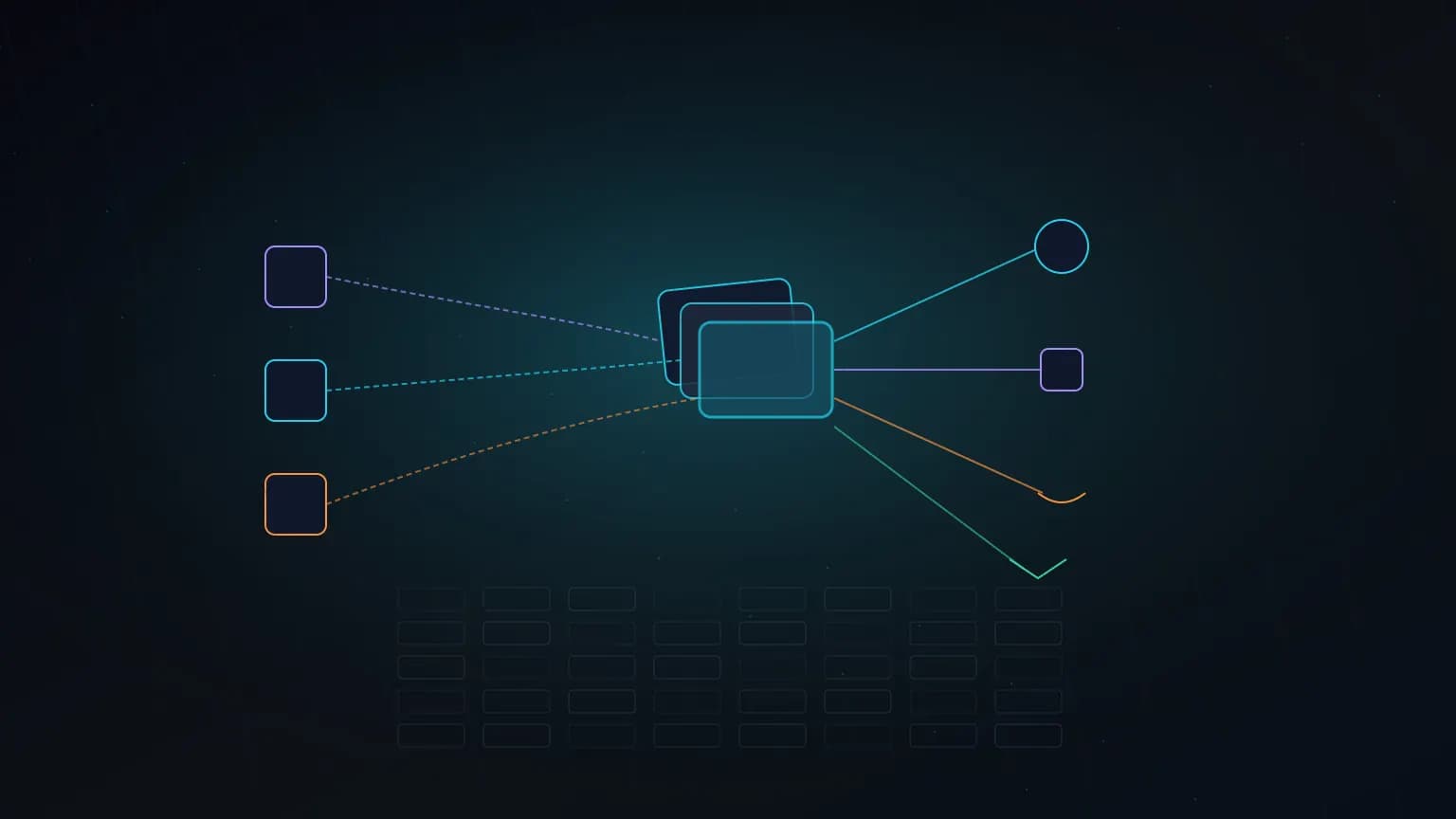
Most “we support MCP now” launches give you one integration path. TanStack AI’s @tanstack/ai-mcp package takes the opposite stance: a composable host-side MCP client that turns any server into ordinary tools for chat(). One server or fifty, managed lifecycle or full manual control, runtime discovery or generated types — same API surface throughout.
On this page · 17 sections▾
One-sentence definition
@tanstack/ai-mcp is a host-side Model Context Protocol client that connects TanStack AI apps to any MCP server and returns ServerTool[] you spread into chat({ tools }) — with optional pools, codegen types, and managed lifecycle via chat({ mcp }).
This is a client library for app builders, not an MCP server you install in Cursor. If you want end-user MCP in an IDE, browse MCP.Directory servers instead.
Launch signal
TanStack announced MCP support in TanStack AI on June 5, 2026:
MCP support in TanStack AI is here!
— TANSTACK (@tan_stack) June 5, 2026
One MCP server or many
Standalone clients or pooled servers
CLI for typegen
Managed lifecycle via chat or complete control
Read the full blog post below
The launch post by Alem Tuzlak at tanstack.com/blog/your-mcp-your-way walks every flag and config option. Official docs live under tanstack.com/ai/docs/tools.
Why it exists
TanStack AI already had type-safe tools, streaming chat, and multi-provider adapters. MCP servers exploded as the standard way to expose third-party capabilities. The gap: most SDKs bolt on MCP as a single integration path — connect, discover, hope lifecycle works.
TanStack’s design decision: MCP output is just ServerTool[]. Everything above — OpenAI, Anthropic, Gemini, Ollama adapters, agent loops, React hooks — stays unchanged. TanStack AI never needs to “know” MCP was involved. That composability is what “your MCP, your way” means in practice.
Mental model
One idea drives the whole package:
An MCP client is a tool factory. You get back ServerTool[]. You spread them into chat({ tools }).
MCP server(s)
      |  callTool / listTools
      v
createMCPClient  or  createMCPClients (pool)
      |  ServerTool[]
      v
chat({ adapter, messages, tools })
      |  or chat({ mcp: { clients } })  // managed lifecycle
      v
Any provider adapter (OpenAI / Anthropic / Gemini / Ollama)
MCP tool execution is server-side only. createMCPClient belongs in a route handler or serverless function — never in browser bundles.
Smallest end-to-end example
From the official blog post — connect, discover, chat, close:
import { chat } from '@tanstack/ai'
import { openaiText } from '@tanstack/ai-openai/adapters'
import { createMCPClient } from '@tanstack/ai-mcp'

const mcp = await createMCPClient({
  transport: { type: 'http', url: process.env.MCP_URL! },
})

const stream = chat({
  adapter: openaiText('gpt-5.5'),
  messages,
  tools: await mcp.tools(),
})

await mcp.close()
Install:
pnpm add @tanstack/ai-mcp@modelcontextprotocol/sdk ships as a dependency. Streamable HTTP transport has no node: imports, so the default path runs on edge runtimes.
Deep dive
1) Transports
Four connection shapes, one consistent API:
- HTTP (Streamable HTTP) — preferred for remote servers; edge-safe. Supports static headers or OAuth 2.1 via
authProvider. - SSE — legacy Server-Sent Events servers. Same auth fields as HTTP.
- stdio — spawns a local process. Isolated behind
@tanstack/ai-mcp/stdioso Node-only code never enters edge bundles. Passing{ type: 'stdio' }directly throws with a pointer to the subpath. - Custom SDK Transport — pass any SDK
Transportinstance, includingInMemoryTransportfor tests.
2) Three modes of type safety
Pick per call site — no global commitment:
- Mode 1 — Auto-discovery:
await mcp.tools(). Fast setup. Args typedunknown, validated at runtime against server JSON Schema. Task-required tools are filtered out automatically. - Mode 2 — Explicit allowlist: pass
toolDefinition()instances. Full Zod validation and typedexecute. ThrowsMCPToolNotFoundErrorif a named tool is missing. - Mode 3 — Generated types: run
npx @tanstack/ai-mcp generateagainst live servers. PasscreateMCPClient<GithubServer>for compile-time tool-name narrowing. Combine with Mode 2 when you want typed args too.
# mcp.config.ts → npx @tanstack/ai-mcp generate
import type { GithubServer } from './mcp-types.generated'

const mcp = await createMCPClient<GithubServer>({
  transport: { type: 'http', url: process.env.GITHUB_MCP_URL! },
})
3) Multi-server pools
createMCPClients connects many servers in parallel via Promise.allSettled. If one fails, already-connected clients are closed before throwing MCPConnectionError. Tools auto-prefix by config key: github_search_repos, linear_create_issue.
const pool = await createMCPClients({
  github: { transport: { type: 'http', url: process.env.GITHUB_MCP_URL! } },
  linear: { transport: { type: 'http', url: process.env.LINEAR_MCP_URL! } },
})

const tools = await pool.tools()
4) Managed lifecycle: chat({ mcp })
When you do not want try/finally close() on every route, hand clients to chat():
const stream = chat({
  adapter: openaiText('gpt-5.5'),
  messages,
  mcp: { clients: [mcp] }, // discovers tools AND closes on run end
})
Key options on ChatMCPOptions:
connection: 'close' | 'keep-alive'— defaultclose. Usekeep-alivefor warm pools reused across requests.lazyTools: true— defers full schema cost on large tool catalogs.onDiscoveryError— skip flaky sources or fail fast per handler logic.
5) Resources, prompts, and cancellation
Beyond tools, the client exposes resources(), readResource(), prompts(), and getPrompt(). Converters mcpResourceToContentPart and mcpPromptToMessages seed conversations before chat() runs.
Cancellation threads through: abortSignal on tool execution forwards to SDK callTool, so aborting a chat run cancels in-flight MCP calls instead of letting them finish in the background.
6) Lifecycle trap (streaming routes)
Tools execute lazily while the response stream drains. A try/finally around a streaming return toServerSentEventsResponse(stream) closes the client before the body finishes — in-flight tool calls fail. Close in middleware onFinish/onAbort/ onError, use await using, or let chat({ mcp }) handle disposal.
What we got wrong
1) We confused client with server. @tanstack/ai-mcp does not replace adding MCP to Cursor. It is for TanStack AI app routes that call MCP servers programmatically.
2) We closed the client too early on streaming routes. The finally-block-before-stream pattern is the most common production bug in manual lifecycle mode.
3) We skipped prefixing in multi-server setups. Without pools or explicit prefix, duplicate tool names throw MCPDuplicateToolNameError at stream consumption time — not at the chat() call site.
Wrong vs right patterns
Wrong: createMCPClient in a client component
MCP credentials and tool execution must stay server-side.
Right: API route + managed mcp option
Connect in POST handler, return SSE stream, let chat() close connections.
Wrong: merge two servers without prefixes
Colliding tool names fail mid-stream.
Right: createMCPClients pool with auto-prefix
Config keys become tool prefixes out of the box.
Common mistakes
- Importing stdio transport in edge bundles instead of the
/stdiosubpath. - Expecting synchronous throws from
chat({ mcp })on duplicate tool names — errors surface through the stream. - Running codegen without matching runtime
prefixvalues inmcp.config.ts. - Binding task-required MCP tools explicitly (throws
MCPTaskRequiredToolError; discovery skips them for a reason). - Treating generated types as runtime validation — they are compile-time only; Mode 2 Zod defs still needed for typed args.
Performance notes
lazyTools: trueonchat({ mcp })pairs with TanStack AI’s lazy tool discovery to cut upfront token cost on large catalogs.connection: 'keep-alive'avoids reconnect overhead when the same pool serves many chat requests.- Codegen CLI deps bundle into the bin only — zero runtime cost in deployed apps.
- Streamable HTTP path stays edge-deployable; stdio is opt-in for local dev only.
Who this is for
Best fit
- Teams building custom AI chat apps on TanStack AI (React, Vue, Svelte, Solid).
- Agents pulling tools from multiple MCP servers with typed or generated interfaces.
- Edge-deployed routes that need Streamable HTTP MCP without Node stdio.
Not ideal if
- You only need MCP inside Cursor/Claude — use client connectors instead.
- You are already all-in on Vercel AI SDK with working
@ai-sdk/mcpand no pool/typegen needs. - You want provider-routed MCP with zero server-side MCP traffic (TanStack also offers
mcpTool()for that path).
Community signal
The @tan_stack launch post drew strong builder interest (tens of thousands of views in the first days). TanStack’s own Vercel AI SDK comparison acknowledges both SDKs ship stable MCP clients — and positions TanStack’s additions as pools, codegen, lazy discovery integration, and managed lifecycle rather than MCP support alone.
The honest tradeoff: TanStack AI is a larger composable surface with more decisions to make. Vercel AI SDK offers a tighter platform-integrated path if you already deploy on Vercel and use @ai-sdk/mcp without multi-server typing needs.
Verdict
Our take
@tanstack/ai-mcp is the most flexible host-side MCP client in the TypeScript ecosystem right now if you are building on TanStack AI. The tool-factory mental model is correct — MCP disappears into ordinary tools. Use it when you need pools, codegen, or lifecycle control. Skip it if you only need IDE MCP or already have a minimal Vercel AI SDK setup that works.
The bigger picture
MCP split into two audiences in 2026: end-user clients (Cursor, Claude, Codex) and host-side SDK clients (TanStack, Vercel, custom apps). TanStack AI covers both host-side direct connection and provider-routed mcpTool() where the LLM provider reaches MCP on your behalf.
Pair this guide with What is MCP? for protocol basics, OAuth 2.1 for remote MCP for auth on Streamable HTTP servers, and browse MCP servers to find endpoints worth connecting.
Frequently asked questions
What is @tanstack/ai-mcp?
It is a host-side MCP client for TanStack AI. It connects your server to any MCP server, discovers tools, and returns ordinary ServerTool[] arrays you spread into chat(). Built on @modelcontextprotocol/sdk with edge-safe Streamable HTTP by default.
Is TanStack AI MCP an MCP server?
No. It is a client library for app builders. End users who want MCP in Cursor or Claude connect servers directly in those clients. @tanstack/ai-mcp is for developers building custom chat apps with TanStack AI who need programmatic MCP access.
How do I install it?
Run pnpm add @tanstack/ai-mcp. The official MCP SDK ships as a dependency. Import createMCPClient from @tanstack/ai-mcp on the server only — never in browser code, because MCP tool execution is server-side.
What are the three type-safety modes?
Mode 1: client.tools() auto-discovers all tools with runtime JSON Schema validation. Mode 2: pass toolDefinition() allowlists for Zod-typed args. Mode 3: run npx @tanstack/ai-mcp generate against live servers for compile-time tool-name narrowing.
What is createMCPClients vs createMCPClient?
createMCPClient connects to one server. createMCPClients connects to many in parallel, auto-prefixes tool names by config key (github_search_repos), and merges them into one flat tool array for chat().
Should I use chat({ mcp }) or spread tools manually?
Use chat({ mcp: { clients: [...] } }) when you want discovery and close() handled automatically. Spread tools: await mcp.tools() when you need full manual control, typed allowlists, resource/prompt seeding, or warm connection reuse across requests.
How does TanStack AI MCP compare to Vercel AI SDK MCP?
Both ship stable host-side MCP clients. TanStack adds multi-server pools with auto-prefixing, three typing modes, lazy tool discovery integration, managed chat() lifecycle, and a codegen CLI. Vercel's @ai-sdk/mcp covers HTTP/SSE, OAuth, resources, and prompts without the pool/typegen layer.
Glossary
- Host-side MCP client
- Library your server uses to connect to MCP servers — distinct from IDE-native MCP connectors.
- ServerTool[]
- TanStack AI tool array returned by mcp.tools() — same shape as hand-written tools.
- createMCPClients
- Multi-server pool with parallel connect and auto-prefixing.
- ChatMCPOptions
- The mcp prop on chat() — clients, connection policy, lazyTools, onDiscoveryError.
- toolDefinition()
- TanStack primitive for typed tool schemas — reused for Mode 2 MCP allowlists.
- Streamable HTTP
- Preferred MCP transport; edge-safe in @tanstack/ai-mcp.
- Lazy tool discovery
- TanStack AI feature to defer tool schemas until the model requests them — pairs with lazyTools on mcp.
- mcp.config.ts
- Codegen config declaring servers for npx @tanstack/ai-mcp generate.
All sources & links
Primary sources
- TanStack blog: Your MCP, your way
- Managed MCP with chat()
- Manual MCP: typed tools, resources & prompts
- MCP type generation CLI
- TanStack/ai (GitHub)