
Chess
Lets you play chess games against language models with visual board display. Provides move validation, game management, and PGN analysis capabilities.
Enables playing chess against language models through a visual interface with tools for board visualization, move execution, game initialization, and position analysis from PGN notation.
What it does
- Display chess board as visual image
- Make moves using standard chess notation
- Start new chess games
- Get list of valid legal moves
- Find specific positions in PGN files
- Check whose turn it is
Best for
About Chess
Chess is a community-built MCP server published by jiayao that provides AI assistants with tools and capabilities via the Model Context Protocol. Play chess on line with a visual interface, analyze games from PGN, and challenge language models. Enjoy a top chess com site experience! It is categorized under other.
How to install
You can install Chess in your AI client of choice. Use the install panel on this page to get one-click setup for Cursor, Claude Desktop, VS Code, and other MCP-compatible clients. This server runs locally on your machine via the stdio transport.
License
Chess is released under the Apache-2.0 license. This is a permissive open-source license, meaning you can freely use, modify, and distribute the software.
MCP Chess Server
This MCP let's you play chess against any LLM.
Installation
To use this chess server, add the following configuration to your MCP config:
{
  "mcpServers": {
    "chess": {
      "command": "uvx",
      "args": [
        "mcp-chess"
      ]
    }
  }
}
Usage
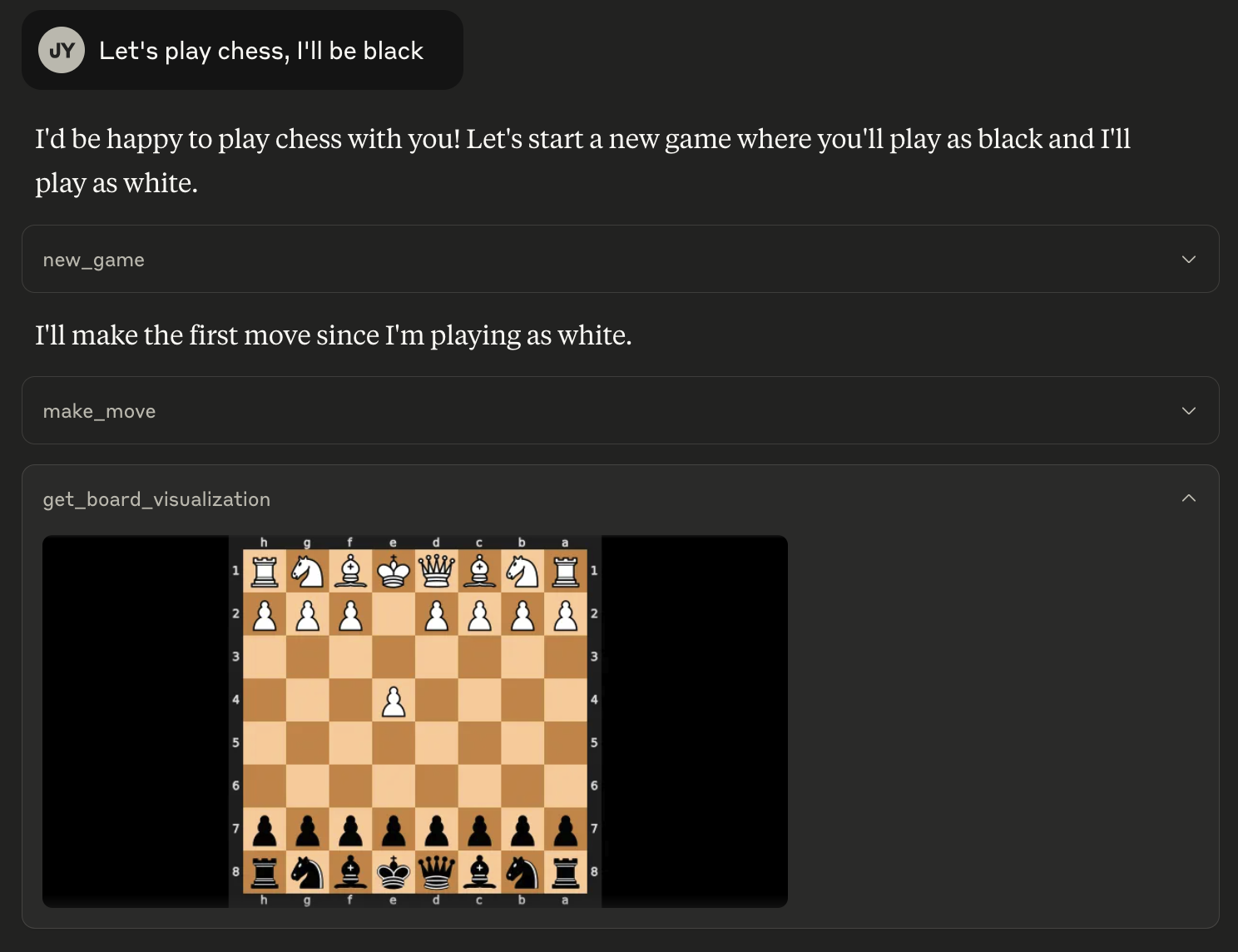
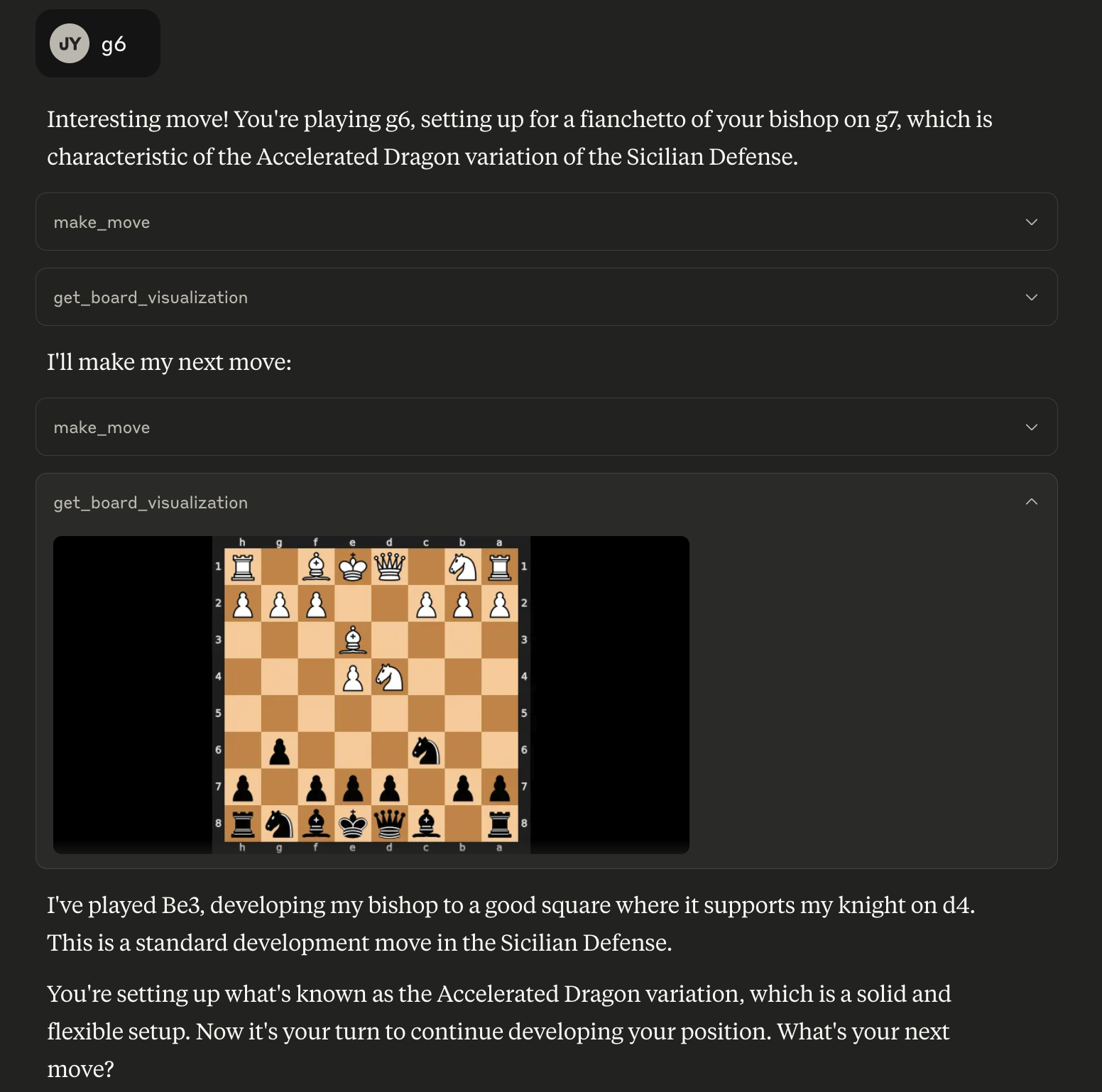
Play a game:
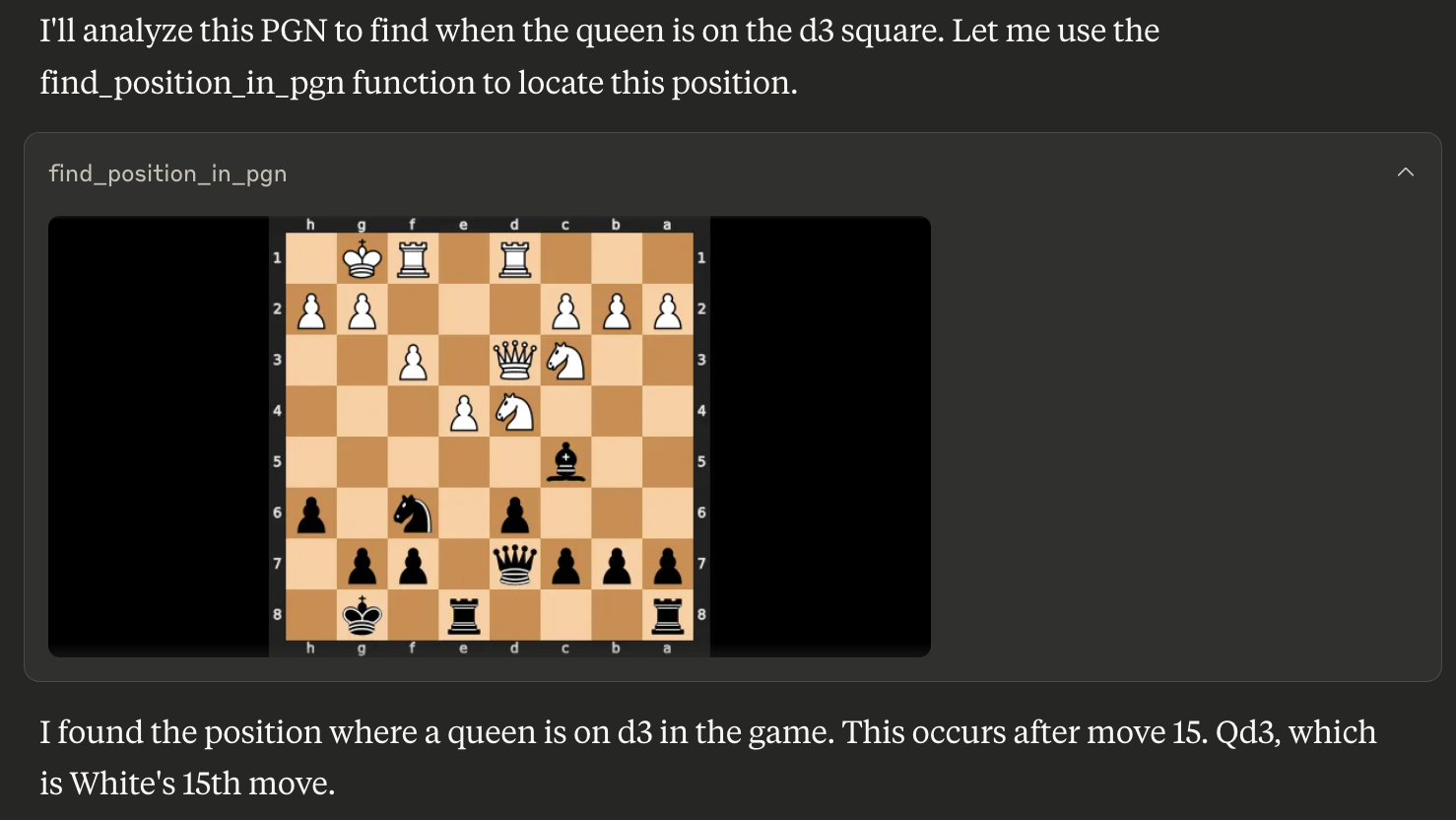
Find a position in a PGN for game analysis:
Available Tools
The server provides the following tools:
get_board_visualization(): Provides the current state of the chessboard as an image. The board orientation automatically flips based on the user's assigned color.get_turn(): Indicates whose turn it is ('white' or 'black').get_valid_moves(): Lists all legal moves for the current player in UCI notation (e.g., 'e2e4', 'g1f3'). Returns an empty list if the game is over.make_move(move_san: str): Makes a move on the board using Standard Algebraic Notation (SAN) (e.g., 'e4', 'Nf3', 'Bxe5'). Returns the move in SAN and UCI, the new board FEN, and game status.new_game(user_plays_white: bool = True): Starts a new game, resetting the board. By default, the user plays white. Sets the user's color for board orientation. Returns a confirmation message.find_position_in_pgn(pgn_string: str, condition: str): Finds the first board position in a PGN string matching a condition (e.g., "bishop on a3") and returns an image of that board state. The condition format is "piece_type on square_name". Valid piece types are "pawn", "knight", "bishop", "rook", "queen", "king".
Alternatives




Related Skills
Browse all skillsChess for AI agents. Queue up, get matched, and play rated blitz games against other moltys.
Create professional draw.io (diagrams.net) diagrams in XML format (.drawio files) with integrated PMP/PMBOK methodologies, extensive visual asset libraries, and industry-standard professional templates. Use this skill when users ask to create flowcharts, swimlane diagrams, cross-functional flowcharts, org charts, network diagrams, UML diagrams, BPMN, project management diagrams (WBS, Gantt, PERT, RACI), risk matrices, stakeholder maps, or any other visual diagram in draw.io format. This skill includes access to custom shape libraries for icons, clipart, and professional symbols.
Presentation creation, editing, and analysis. When Claude needs to work with presentations (.pptx files) for: (1) Creating new presentations, (2) Modifying or editing content, (3) Working with layouts, (4) Adding comments or speaker notes, or any other presentation tasks
Downloads videos from YouTube and other platforms for offline viewing, editing, or archival. Handles various formats and quality options.
Comprehensive document creation, editing, and analysis with support for tracked changes, comments, formatting preservation, and text extraction. When Claude needs to work with professional documents (.docx files) for: (1) Creating new documents, (2) Modifying or editing content, (3) Working with tracked changes, (4) Adding comments, or any other document tasks
Provides comprehensive technical analysis for stocks and ETFs using RSI, MACD, Bollinger Bands, and other indicators. Activates when user requests stock analysis, technical indicators, trading signals, or market data for specific ticker symbols.