
LSD Web Data Extraction
OfficialExtracts structured data from websites using the LSD programming language, letting you scrape web pages and search results without writing complex scraping code.
Provides web data extraction and manipulation capabilities through the LSD programming language, enabling structured data retrieval from websites, web searches, and community-created extraction patterns without complex scraping code.
What it does
- Extract structured data from websites
- Perform web searches and retrieve results
- Access community-created extraction patterns
- Create custom extraction workflows with LSD language
- Query extracted data through PostgreSQL-compatible interface
Best for
About LSD Web Data Extraction
LSD Web Data Extraction is an official MCP server published by lsd-so that provides AI assistants with tools and capabilities via the Model Context Protocol. LSD Web Data Extraction lets you scrape any website with ease. Perform web page scraping and manipulate data using community patterns—no complex code needed. It is categorized under browser automation, search web.
How to install
You can install LSD Web Data Extraction in your AI client of choice. Use the install panel on this page to get one-click setup for Cursor, Claude Desktop, VS Code, and other MCP-compatible clients. This server runs locally on your machine via the stdio transport.
License
LSD Web Data Extraction is released under the MIT license. This is a permissive open-source license, meaning you can freely use, modify, and distribute the software.
LSD MCP
This is the updated MCP server for LSD. The reason behind this update is to effectively leverage dynamic tools that are defined as trips using our SDK.
Contents
- Getting started
- Example of usage
- Extending capabilities with LSD
- Extending capabilities with TypeScript
Getting started
Authenticating
This is to connect the running MCP server with your account by using our SDK.
The reason for using the terms user and password is because what you're connecting to is our postgres compatible database.
Configuration file
In your home directory, write a JSON to a file named .lsd with the properties user and password with your email and an API key from your profile.
{
  "user": "<[email protected]>",
  "password": "<api_key>"
}
Environment variables
Alternatively, you can set the environment variables LSD_USER and LSD_PASSWORD.
$ export LSD_USER='[email protected]'
$ export LSD_PASSWORD='<api_key>'
Important: If you run into errors when taking this approach, check the environment variables set are accessible from the PATH or process the MCP client is invoking it from.
Using an MCP registry
Pulse
https://www.pulsemcp.com/servers/lsd-so-internetdata
More coming soon.
From source
- Clone this repository
$ git clone https://github.com/lsd-so/mcp.git
- If you're using Claude desktop, update your
claude_desktop_config.jsonfile (here's a guide for creating it).
{
  "mcpServers": {
    // other MCP servers configured here...
    "lsd": {
      "command": "node",
      "args": [
	    "/<path>/<to>/mcp/build/index.js"
      ]
    }
  }
}
Example of usage
Interaction
Extraction
Extending capabilities with LSD
For scenarios where you'd like to teach the MCP client a "skill", you can do so with an LSD trip (what is that?).
What is a trip?
A "trip" is a published module consisting of an LSD program whether it was derived by interacting with our local browser or by directly publishing a trip.
From the bicycle browser
From the Bicycle browser you can derive LSD by using our "click language", this can be activated by clicking on the transcriber icon in the top right:
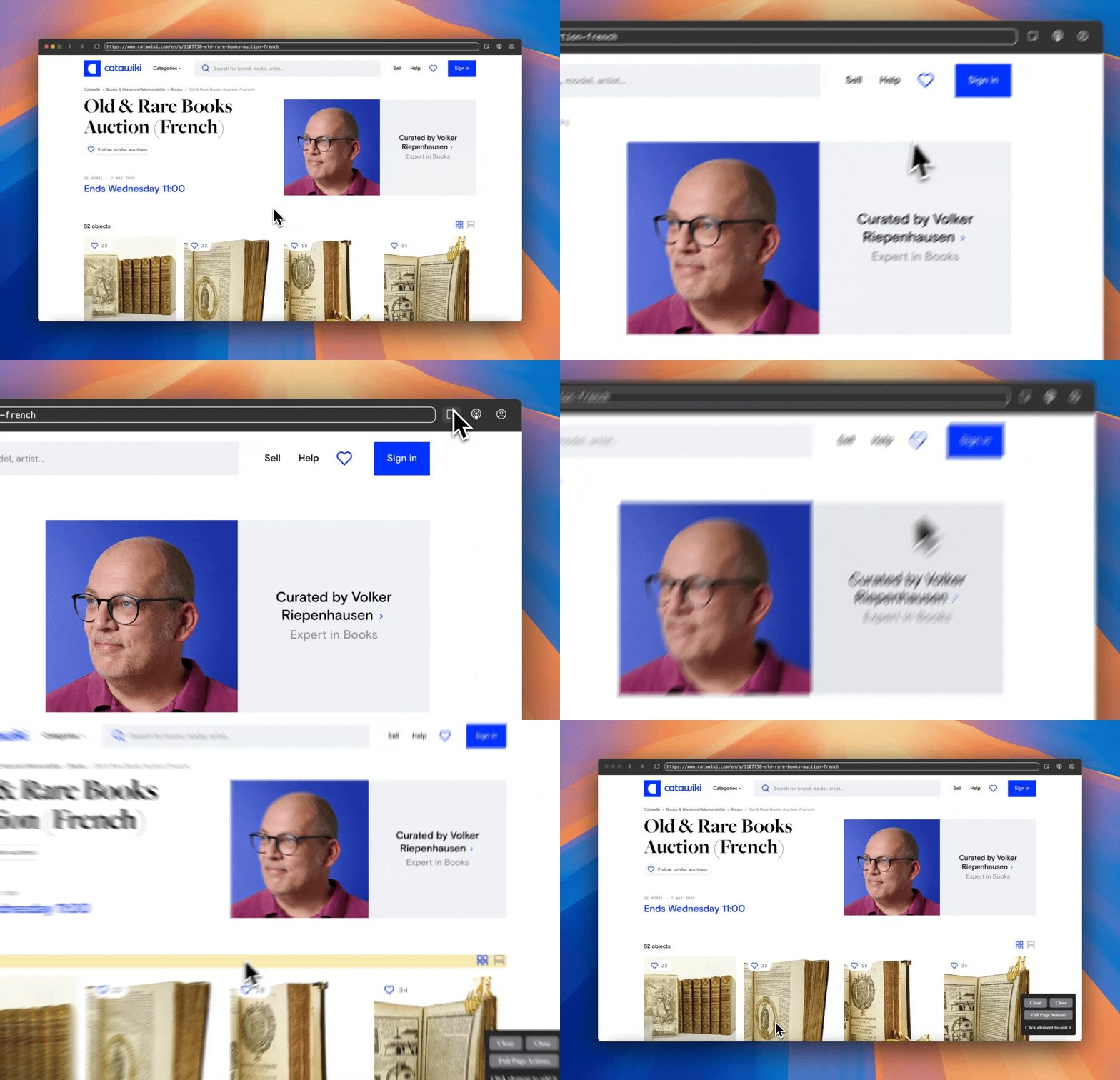
Or by pressing Command+k (or Ctrl+k for Linux/Windows). Once you've done so, you can interactively "pluck" repeating containers as well as fields of interest:
With the generated LSD, you can edit the aliases like so:
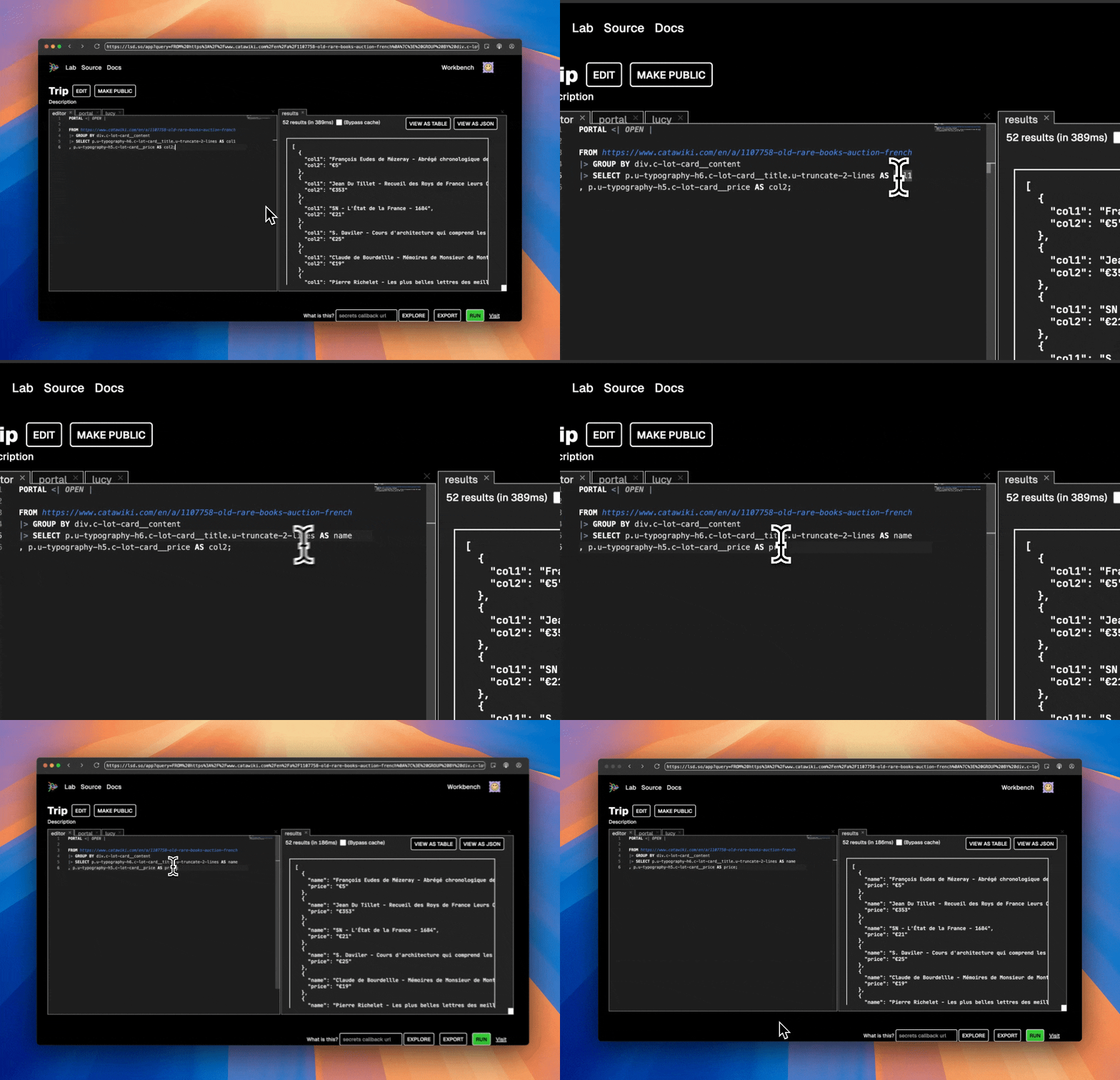
After which you can publish using the language.
Using the language
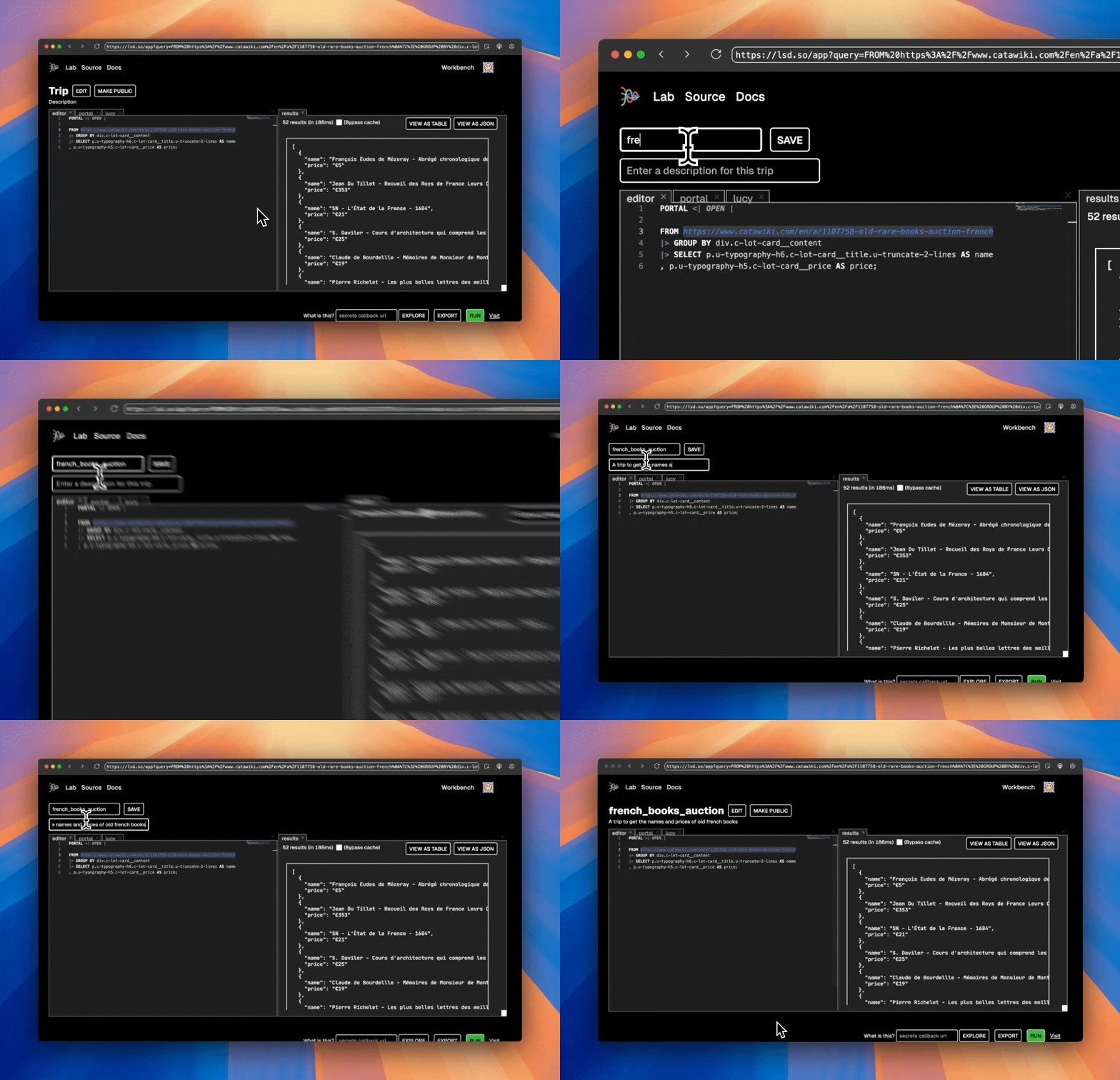
From the workbench, simply edit to publish a trip.
Extending capabilities with TypeScript
Check out the internetdata SDK that's used under the hood to bridge with the web. Or, alternatively, get started using the create-your-internet shorthand.
$ yarn create your-internet
Or, if you prefer npm
$ npm create your-internet
Alternatives




Related Skills
Browse all skillsAutomate web browser interactions using natural language via CLI commands. Use when the user asks to browse websites, navigate web pages, extract data from websites, take screenshots, fill forms, click buttons, or interact with web applications. Triggers include "browse", "navigate to", "go to website", "extract data from webpage", "screenshot", "web scraping", "fill out form", "click on", "search for on the web". When taking actions be as specific as possible.
Unblock websites and bypass CAPTCHAs and 403 errors using Aluvia mobile proxies. Enables web search and content extraction without browser automation.
Write and execute Python scripts using Amazon Nova Act for AI-powered browser automation tasks like flight searches, data extraction, and form filling.
Unblock websites and bypass CAPTCHAs and 403 errors using Aluvia mobile proxies. Enables web search and content extraction without browser automation.
Automates browser interactions for web testing, form filling, screenshots, and data extraction. Use when the user needs to navigate websites, interact with web pages, fill forms, take screenshots, test web applications, or extract information from web pages.
Automates browser interactions for web testing, form filling, screenshots, and data extraction. Use when the user needs to navigate websites, interact with web pages, fill forms, take screenshots, or extract information from web pages.