
Web Content Pick
Extracts structured content from web pages using customizable CSS selectors and provides organized, hierarchical data without switching to a browser.
Extracts structured content from web pages using customizable selectors for crawling, parsing, and analyzing HTML elements without leaving the assistant interface.
What it does
- Extract structured content from any web URL
- Use custom CSS selectors to target specific elements
- Crawl websites recursively with depth control
- Parse HTML into organized hierarchical format
- Analyze page structure automatically
- Retry failed requests automatically
Best for
About Web Content Pick
Web Content Pick is a community-built MCP server published by kilicmu that provides AI assistants with tools and capabilities via the Model Context Protocol. Extract structured data from web pages with customizable selectors. Easily crawl, parse, and analyze HTML using web crawler and scraping tools. It is categorized under browser automation, search web. This server exposes 1 tool that AI clients can invoke during conversations and coding sessions.
How to install
You can install Web Content Pick in your AI client of choice. Use the install panel on this page to get one-click setup for Cursor, Claude Desktop, VS Code, and other MCP-compatible clients. This server runs locally on your machine via the stdio transport. This server supports remote connections over HTTP, so no local installation is required.
License
Web Content Pick is released under the MIT license. This is a permissive open-source license, meaning you can freely use, modify, and distribute the software.
Tools (1)
Extracts structured content from a given web URL, providing a comprehensive analysis of the page structure. Returns organized data including headings, paragraphs, links, images, tables, and metadata. Ideal for content analysis, web scraping, and generating structured representations of web pages. Supports HTML parsing with clean, hierarchical output format.
@modelcontextprotocol/web-content-pick
A powerful tool for extracting structured content from web pages with customizable selectors and crawling options. Part of the Model Context Protocol toolkit.
Features
- 🌐 Extract structured content from any web page
- 🎯 Customizable CSS selectors for content targeting
- 🌲 Recursive crawling with depth control
- 🔄 Automatic retry mechanism
- ⚡ Fast and efficient processing
- 📝 Clean, hierarchical output format
Usage
-
install the tool with
npm install -g mcp-web-content-pick -
add config in claude_desktop_config.json
{
  "mcpServers": {
    "web_content_search": {
      "command": "npx",
      "args": [
        "-y",
        "mcp-web-content-pick"
      ]
    }
  }
}
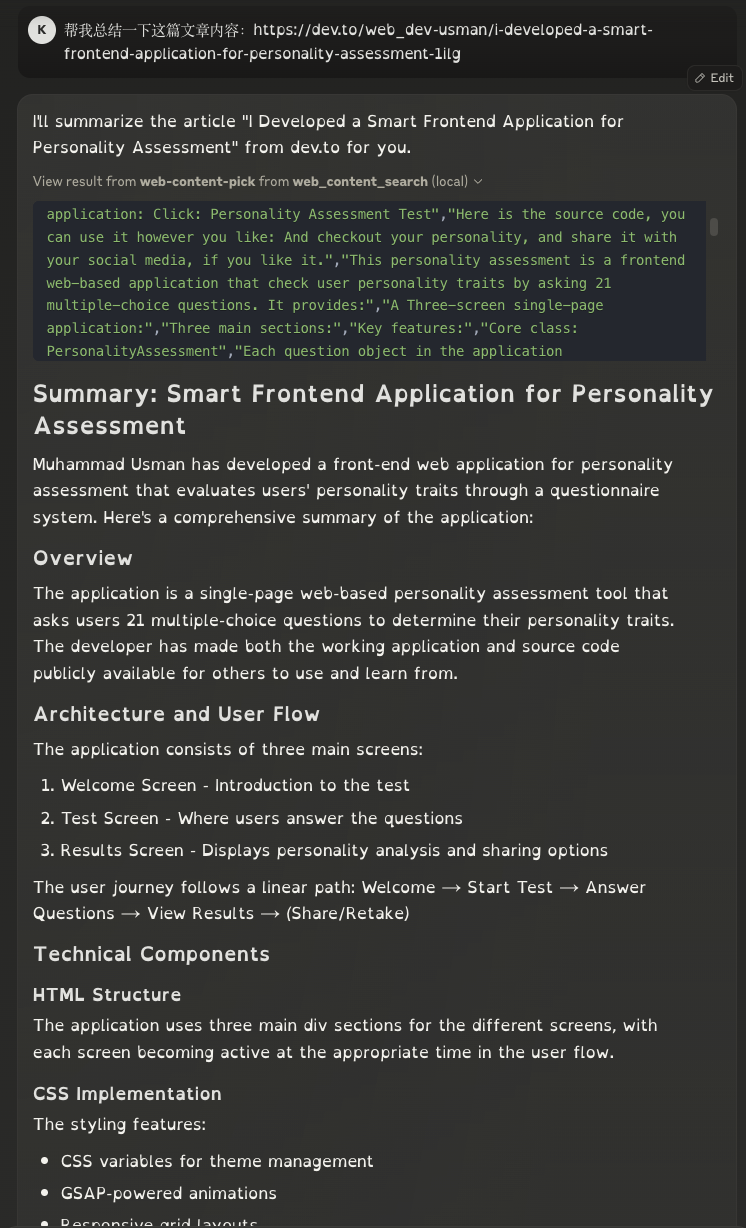
Demo
Alternatives




Related Skills
Browse all skillsUnblock websites and bypass CAPTCHAs and 403 errors using Aluvia mobile proxies. Enables web search and content extraction without browser automation.
Unblock websites and bypass CAPTCHAs and 403 errors using Aluvia mobile proxies. Enables web search and content extraction without browser automation.
Automate web browser interactions using natural language via CLI commands. Use when the user asks to browse websites, navigate web pages, extract data from websites, take screenshots, fill forms, click buttons, or interact with web applications. Triggers include "browse", "navigate to", "go to website", "extract data from webpage", "screenshot", "web scraping", "fill out form", "click on", "search for on the web". When taking actions be as specific as possible.
Web search and content extraction via Brave Search API. Use for searching documentation, facts, or any web content. Lightweight, no browser required.
Search the web, scrape websites, extract structured data from URLs, and automate browsers using Bright Data's Web MCP. Use when fetching live web content, bypassing blocks/CAPTCHAs, getting product data from Amazon/eBay, social media posts, or when standard requests fail.
Fetch and extract readable content from web pages. Use for lightweight page access without browser automation.