
Alibaba Cloud
OfficialConnects AI assistants to Alibaba Cloud services for managing cloud infrastructure through natural language commands. Supports ECS instances, VPC networks, monitoring, storage, and database operations.
Provides a bridge to Alibaba Cloud services for managing ECS instances, viewing resources, monitoring metrics, and configuring VPC networks through natural language commands
What it does
- Manage ECS instances and configurations
- Monitor cloud resource metrics and performance
- Configure VPC networks and security groups
- Deploy applications to cloud instances
- Operate OSS storage and RDS databases
- Execute cloud operations via natural language
Best for
About Alibaba Cloud
Alibaba Cloud is an official MCP server published by aliyun that provides AI assistants with tools and capabilities via the Model Context Protocol. Manage Alibaba Cloud ECS, monitor metrics, and configure VPC networks effortlessly using natural language commands with Alibaba Cloud services. It is categorized under cloud infrastructure, developer tools.
How to install
You can install Alibaba Cloud in your AI client of choice. Use the install panel on this page to get one-click setup for Cursor, Claude Desktop, VS Code, and other MCP-compatible clients. This server runs locally on your machine via the stdio transport.
License
Alibaba Cloud is released under the Apache-2.0 license. This is a permissive open-source license, meaning you can freely use, modify, and distribute the software.
Alibaba Cloud Ops MCP Server

Alibaba Cloud Ops MCP Server is a Model Context Protocol (MCP) server that provides seamless integration with Alibaba Cloud APIs, enabling AI assistants to operate resources on Alibaba Cloud, supporting ECS, Cloud Monitor, OOS, OSS, VPC, RDS and other widely used cloud products. It also enables AI assistants to analyze, build, and deploy applications to Alibaba Cloud ECS instances.
MCP Maketplace Integration


Features
- ECS Management: Create, start, stop, reboot, delete instances, run commands, view instances, regions, zones, images, security groups, and more
- VPC Management: View VPCs and VSwitches
- RDS Management: List, start, stop, and restart RDS instances
- OSS Management: List, create, delete buckets, and view objects
- Cloud Monitor: Get CPU usage, load average, memory usage, and disk usage metrics for ECS instances
- Application Deployment: Deploy applications to ECS instances with automatic application and application group management
- Project Analysis: Automatically identify project technology stack and deployment methods (npm, Python, Java, Go, Docker, etc.)
- Local File Operations: List directories, run shell scripts, and analyze project structures
- Dynamic API Tools: Support for Alibaba Cloud OpenAPI operations
Prepare
Install uv
# On macOS and Linux.
curl -LsSf https://astral.sh/uv/install.sh | sh
Configuration
Use VS Code + Cline to config MCP Server.
To use alibaba-cloud-ops-mcp-server MCP Server with any other MCP Client, you can manually add this configuration and restart for changes to take effect:
{
  "mcpServers": {
    "alibaba-cloud-ops-mcp-server": {
      "timeout": 600,
      "command": "uvx",
      "args": [
        "alibaba-cloud-ops-mcp-server@latest"
      ],
      "env": {
        "ALIBABA_CLOUD_ACCESS_KEY_ID": "Your Access Key ID",
        "ALIBABA_CLOUD_ACCESS_KEY_SECRET": "Your Access Key SECRET"
      }
    }
  }
}
For detailed parameter description, see MCP startup parameter document
Know More
- Alibaba Cloud Ops MCP Server is ready to use out of the box!!
- Setup Alibaba Cloud Ops MCP Server on Bailian
- Build your own Alibaba Cloud OpenAPI MCP Server with 10 lines of code
- Alibaba Cloud Ops MCP Server is officially available on the Alibaba Cloud Model Studio Platform MCP Marketplace
Tools
| Product | Tool | Function | Implementation | Status |
|---|---|---|---|---|
| ECS | RunCommand | Run Command | OOS | Done |
| StartInstances | Start Instances | OOS | Done | |
| StopInstances | Stop Instances | OOS | Done | |
| RebootInstances | Reboot Instances | OOS | Done | |
| DescribeInstances | View Instances | API | Done | |
| DescribeRegions | View Regions | API | Done | |
| DescribeZones | View Zones | API | Done | |
| DescribeAvailableResource | View Resource Inventory | API | Done | |
| DescribeImages | View Images | API | Done | |
| DescribeSecurityGroups | View Security Groups | API | Done | |
| RunInstances | Create Instances | OOS | Done | |
| DeleteInstances | Delete Instances | API | Done | |
| ResetPassword | Modify Password | OOS | Done | |
| ReplaceSystemDisk | Replace Operating System | OOS | Done | |
| VPC | DescribeVpcs | View VPCs | API | Done |
| DescribeVSwitches | View VSwitches | API | Done | |
| RDS | DescribeDBInstances | List RDS Instances | API | Done |
| StartDBInstances | Start the RDS instance | OOS | Done | |
| StopDBInstances | Stop the RDS instance | OOS | Done | |
| RestartDBInstances | Restart the RDS instance | OOS | Done | |
| OSS | ListBuckets | List Bucket | API | Done |
| PutBucket | Create Bucket | API | Done | |
| DeleteBucket | Delete Bucket | API | Done | |
| ListObjects | View object information in the bucket | API | Done | |
| CloudMonitor | GetCpuUsageData | Get CPU Usage Data for ECS Instances | API | Done |
| GetCpuLoadavgData | Get CPU One-Minute Average Load Metric Data | API | Done | |
| GetCpuloadavg5mData | Get CPU Five-Minute Average Load Metric Data | API | Done | |
| GetCpuloadavg15mData | Get CPU Fifteen-Minute Average Load Metric Data | API | Done | |
| GetMemUsedData | Get Memory Usage Metric Data | API | Done | |
| GetMemUsageData | Get Memory Utilization Metric Data | API | Done | |
| GetDiskUsageData | Get Disk Utilization Metric Data | API | Done | |
| GetDiskTotalData | Get Total Disk Partition Capacity Metric Data | API | Done | |
| GetDiskUsedData | Get Disk Partition Usage Metric Data | API | Done | |
| Application Management | OOS_CodeDeploy | Deploy applications to ECS instances with automatic artifact upload to OSS | OOS | Done |
| OOS_GetDeployStatus | Query deployment status of application groups | API | Done | |
| OOS_GetLastDeploymentInfo | Retrieve information about the last deployment | API | Done | |
| Local | LOCAL_ListDirectory | List files and subdirectories in a directory | Local | Done |
| LOCAL_RunShellScript | Execute shell scripts or commands | Local | Done | |
| LOCAL_AnalyzeDeployStack | Identify project deployment methods and technology stack | Local | Done |
Deployment Workflow
The typical deployment workflow includes:
- Project Analysis: Use
LOCAL_AnalyzeDeployStackto identify the project's technology stack and deployment method - Build Artifacts: Build or package the application locally (e.g., create tar.gz or zip files)
- Deploy Application: Use
OOS_CodeDeployto deploy the application to ECS instances- Automatically creates application and application group if they don't exist
- Uploads artifacts to OSS
- Deploys to specified ECS instances
- Monitor Deployment: Use
OOS_GetDeployStatusto check deployment status
Contact us
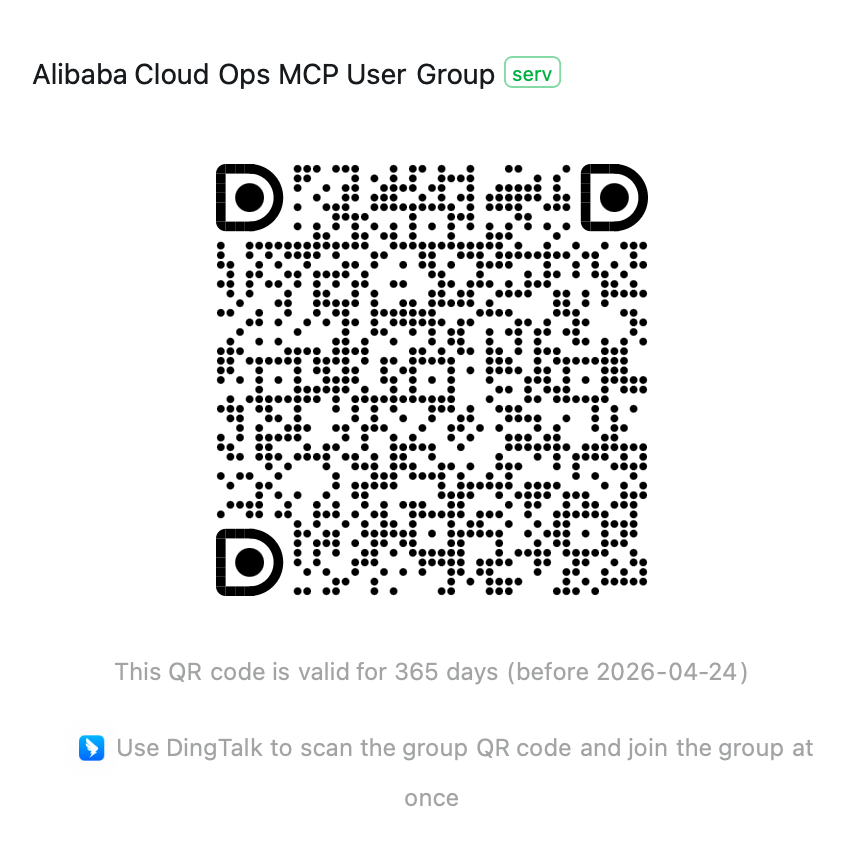
If you have any questions, please join the Alibaba Cloud Ops MCP discussion group (DingTalk group: 113455011677) for discussion.
Alternatives



Related Skills
Browse all skillsExpert Kubernetes architect specializing in cloud-native infrastructure, advanced GitOps workflows (ArgoCD/Flux), and enterprise container orchestration. Masters EKS/AKS/GKE, service mesh (Istio/Linkerd), progressive delivery, multi-tenancy, and platform engineering. Handles security, observability, cost optimization, and developer experience. Use PROACTIVELY for K8s architecture, GitOps implementation, or cloud-native platform design.
Build comprehensive ML pipelines, experiment tracking, and model registries with MLflow, Kubeflow, and modern MLOps tools. Implements automated training, deployment, and monitoring across cloud platforms. Use PROACTIVELY for ML infrastructure, experiment management, or pipeline automation.
Expert C# developer specializing in modern .NET development, ASP.NET Core, and cloud-native applications. Masters C# 12 features, Blazor, and cross-platform development with emphasis on performance and clean architecture.
UI design system toolkit for Senior UI Designer including design token generation, component documentation, responsive design calculations, and developer handoff tools. Use for creating design systems, maintaining visual consistency, and facilitating design-dev collaboration.
Answer questions about the AI SDK and help build AI-powered features. Use when developers: (1) Ask about AI SDK functions like generateText, streamText, ToolLoopAgent, embed, or tools, (2) Want to build AI agents, chatbots, RAG systems, or text generation features, (3) Have questions about AI providers (OpenAI, Anthropic, Google, etc.), streaming, tool calling, structured output, or embeddings, (4) Use React hooks like useChat or useCompletion. Triggers on: "AI SDK", "Vercel AI SDK", "generateText", "streamText", "add AI to my app", "build an agent", "tool calling", "structured output", "useChat".
Comprehensive Cloudflare platform skill covering Workers, Pages, storage (KV, D1, R2), AI (Workers AI, Vectorize, Agents SDK), networking (Tunnel, Spectrum), security (WAF, DDoS), and infrastructure-as-code (Terraform, Pulumi). Use for any Cloudflare development task.